The Perfect Handoff
While working on a new feature, I designed a net-new component for our site. Could I use Cursor to build it myself, ready to integrate directly into our corporate codebase? There was only one way to find out: bother my engineer with a lot of questions.

One thing I quickly realized was that “we use Vue” really wasn’t enough to know where to start. So, I messaged Alex and got some information to start. What frameworks do we use? What version of Vue? What icon set do we use? Normally, we’d have those in a design system, but at this point, our design system was abandoned, partially transferred to something else, and then given up on entirely (a story for another day).
I should warn you here, this story doesn’t have an epiphany at the end. Did it work? Yes. Was it worth it? Probably not. But that wasn’t the point. The point was learning how well the Figma MCP worked. I had just gotten beta access to it and was keen to try it out.
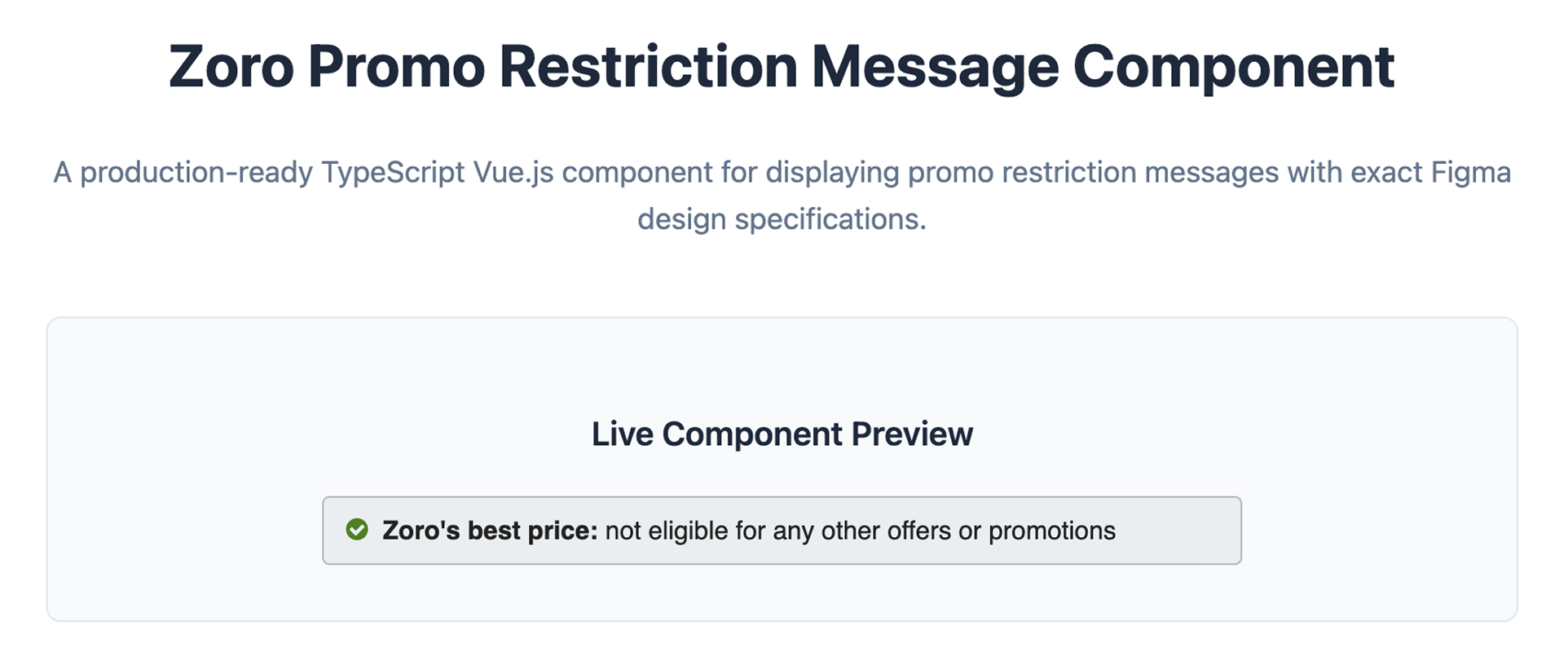
With all the framework requirements lined up and my Figma MCP connected, I wrote my planning prompt. 30 minutes later, I had a fully finished component. I showed it to my engineer, got some feedback, applied it, and two prompts later, had something I could actually merge with the codebase.
What Did I Learn?
First, what took me 45 minutes probably would have taken my engineer about 20. It was not, after all, an in-depth component. So, vibe coding it for him didn’t really save anyone time. But it did save him from having to do it at all. He could focus on larger, more complex matters. Things that vibe coding isn’t going to solve.
Cursor was as good as a Junior Dev would have been. Good enough to make simple stuff work, a bit slow, but it succeeded in the end. What that says about the future state of junior dev roles is probably not a good thing.
I also learned that, with the right knowledge and some strict rulesets for Cursor, a non-engineer could build something production-ready. And I did. The component on our site is the one I made. My design, fed into Cursor, submitted for approval, and merged. I don’t really care how small or simple the project was; I felt proud of my work!
Figma for the… Participation Trophy
I also learned that the Figma MCP isn’t the silver bullet I hoped for. In the demo, it looked like it could produce magic with just a couple of clicks, but it missed a lot. Despite a finished design, access to Figma’s Dev Mode output, and a robust token system for colors and fonts, its initial build wasn’t great. Spacing was all wrong, fonts and icons were the wrong size, and even the corner radius was different. But it was also easy to fix without having to manually touch the code. So, a solid effort, but not the magic potion I was looking for.
That said, I continue to use the MCP almost daily. And, with the right setup, the right rules, and the right prompting, it’s becoming more accurate. And what we started with this project turned into a completely new workflow for our Product Team. So was it a success? I guess so.